
Patterns · 4 MIN READ
Photo Cross Stitch Pattern Maker: Test a Pet Portrait
Turn a pet photo into a manageable chart by comparing three conversions and stitching one small proof before committing to the whole portrait.
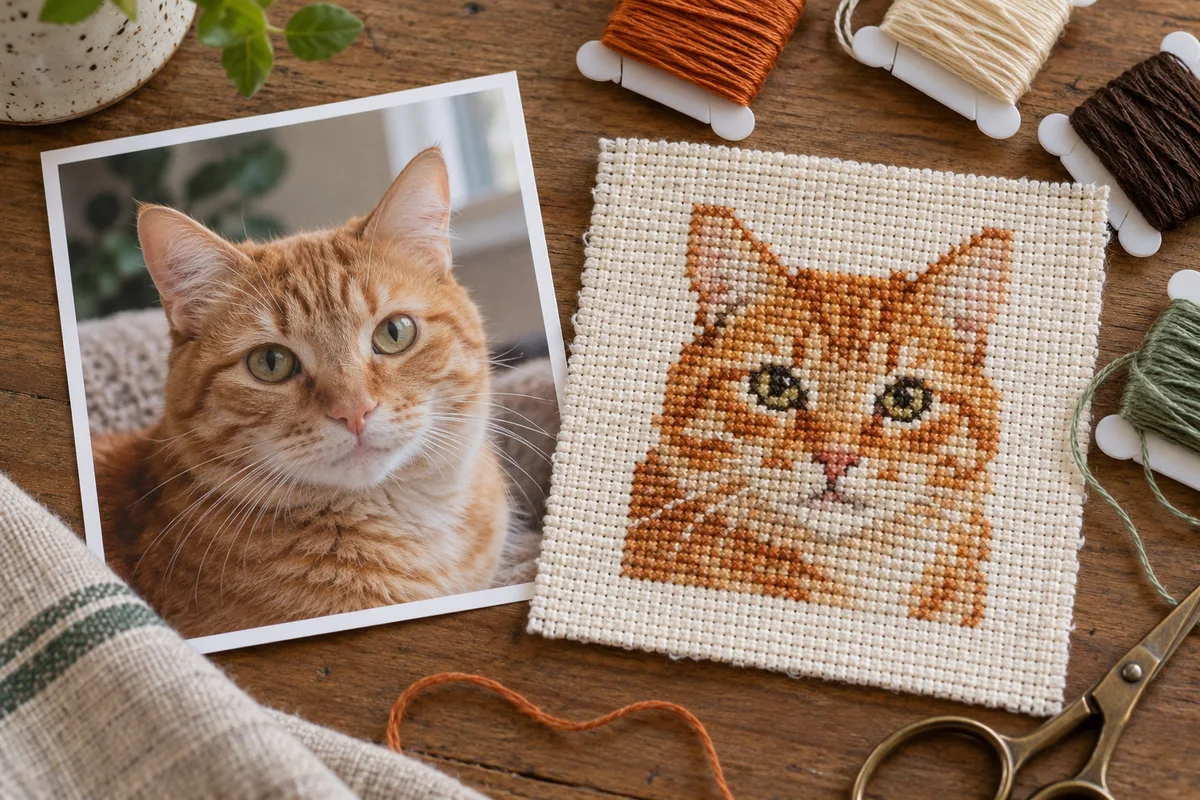
Choose a photo with one clear subject
A photo cross stitch pattern maker can reduce a pet portrait to a grid, but it cannot decide whether a single dark square is an eye or a shadow. Choose a photograph you own or have permission to adapt. A close crop, visible eyes and a plain background give you fewer competing details to resolve. Keep a separate copy of the original before editing.
This guide concentrates on a proof swatch, rather than repeating the entire conversion process. The cover is a craft illustration, not the chart for your photograph. For the complete workflow, start with our photo-to-pattern guide.
Compare three conversions with a small worksheet
Open the photo pattern maker with the same prepared image each time. Make version A at 80 stitches wide with 8 colors, version B at 80 stitches with 12 colors, and version C at 100 stitches with 12 colors. These are starting settings for comparison, not recommended settings for every pet. Record the resulting height, important features and any distracting color specks.
Compare A with B to see what the extra colors contribute. Compare B with C to see what extra grid resolution contributes. Keep the crop unchanged during this experiment. If you change crop, width and colors together, you will not know which change helped. Save the chart or a screenshot for each version with its settings.
Calculate size and workload before choosing
For a square crop, an 80 by 80 grid has 6,400 possible stitch positions. A 100 by 100 grid has 10,000, which is 56.25% more positions. Actual stitches depend on how many squares you leave unstitched. Extra resolution can make an eye clearer, but it also creates more work.
On 14-count Aida over one square, 80 stitches measure about 5.71 inches, or 14.51 cm. One hundred stitches measure about 7.14 inches, or 18.14 cm. These are design measurements without finishing margins. Use the fabric calculator for the full cutting size. Changing fabric count changes physical size, not the number of charted details.
Inspect an eye, an edge and an empty background
Inspect three areas in the symbol chart: an eye, the outline of an ear, and an area that should be quiet background. Does the eye remain separate from the surrounding fur? Is the ear edge coherent? Do isolated squares add necessary detail, or just digital noise? Judge the chart at its intended finished scale as well as enlarged on screen.
A color used once is not automatically wrong. An eye highlight may need exactly one stitch. Repeated isolated shades across an otherwise plain background are a different problem. Try a cleaner crop or a smaller palette before accepting unnecessary thread changes. Make deliberate chart edits only in a tool that supports them and retain an unedited version.
Stitch a 20 by 20 proof with real thread
Choose a 20 by 20 square area containing both an important feature and its surrounding color. That is at most 400 crosses. At 14 crosses per inch, the stitched area is about 1.43 inches, or 3.63 cm, square. Cut a larger scrap so you can hold it securely, and mark the chosen chart coordinates.
Use the fabric and strand count planned for the finished piece. Select physical threads in daylight. Screen colors are approximate references and are not certified matches to a thread brand. Look at coverage, neighboring shades and whether the feature remains readable. Measure a sample if you want to refine your floss estimate. Do not extrapolate a dense patch to an entire sparse chart without adjusting for stitch counts.
Keep a decision record with your finished chart
Write down the chosen crop, stitch width and height, palette, fabric count, strands and proof coordinates. Keep the symbol key with the final file. If the proof is muddy, change one variable and repeat that small section before preparing a larger cut of fabric.
Can more colors fix an unclear face? Sometimes they preserve shading, but they cannot recover a feature removed by a distant crop or a tiny grid. Can you skip the proof? You can, but a short test is a practical way to discover an unsuitable shade or strand choice before a much larger commitment. A successful screen preview alone does not establish a stitchable portrait.
Choose an original chart from our free collection, or check your fabric measurements before you begin.
Free cross stitch patterns · Fabric calculator